

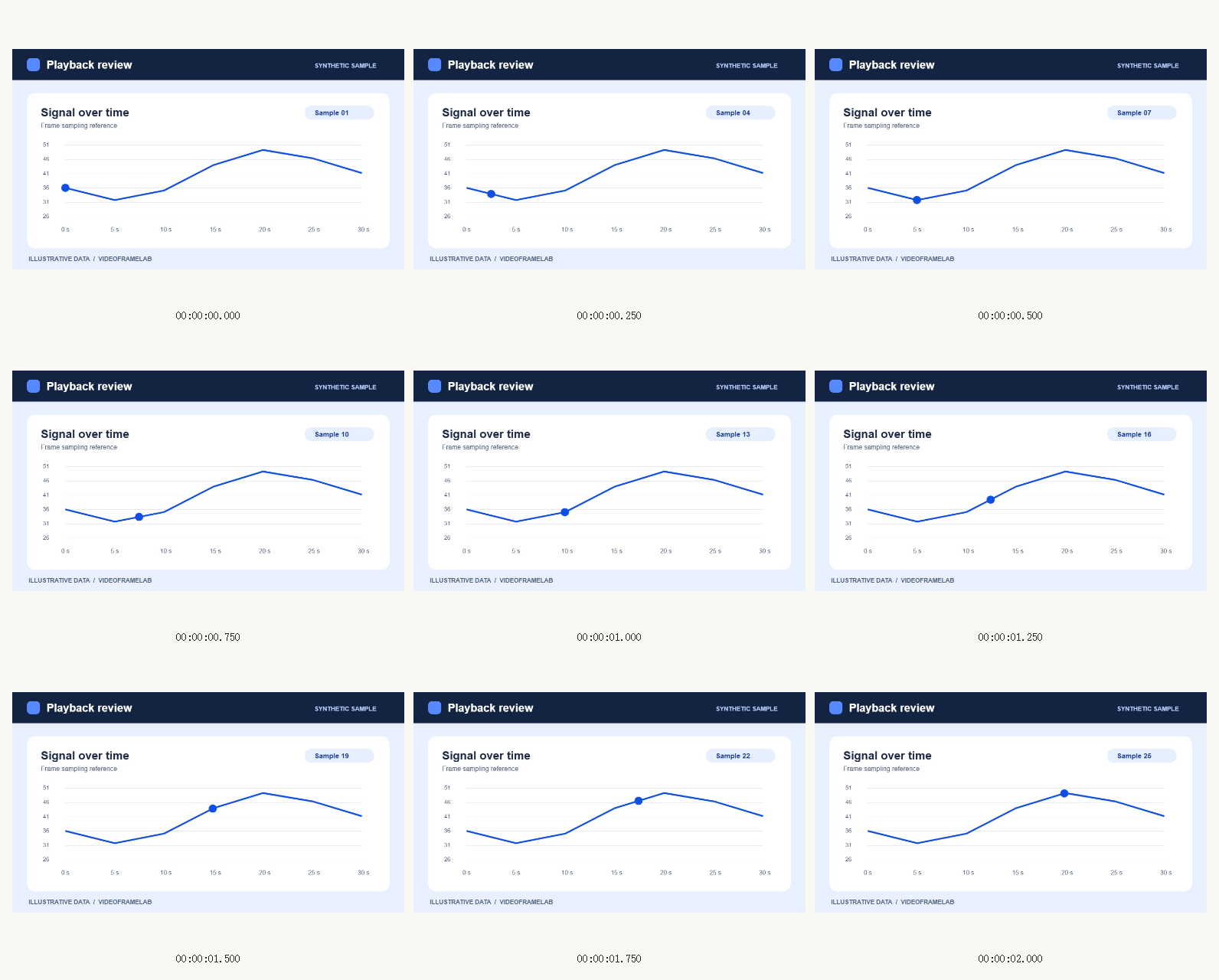
Example output
A contact sheet with time labels
Page 1 of 2. We sampled 12 stills from the synthetic playback review clip and exported a three-column PNG sheet with time labels.
How these examples were made
These outputs were generated with VideoFrameLab in Chromium 156.0.8078.4 from synthetic videos. Captions identify the requested time, dimensions or export settings. The linked files are the actual exports. Results can differ with the scene, codec and browser.
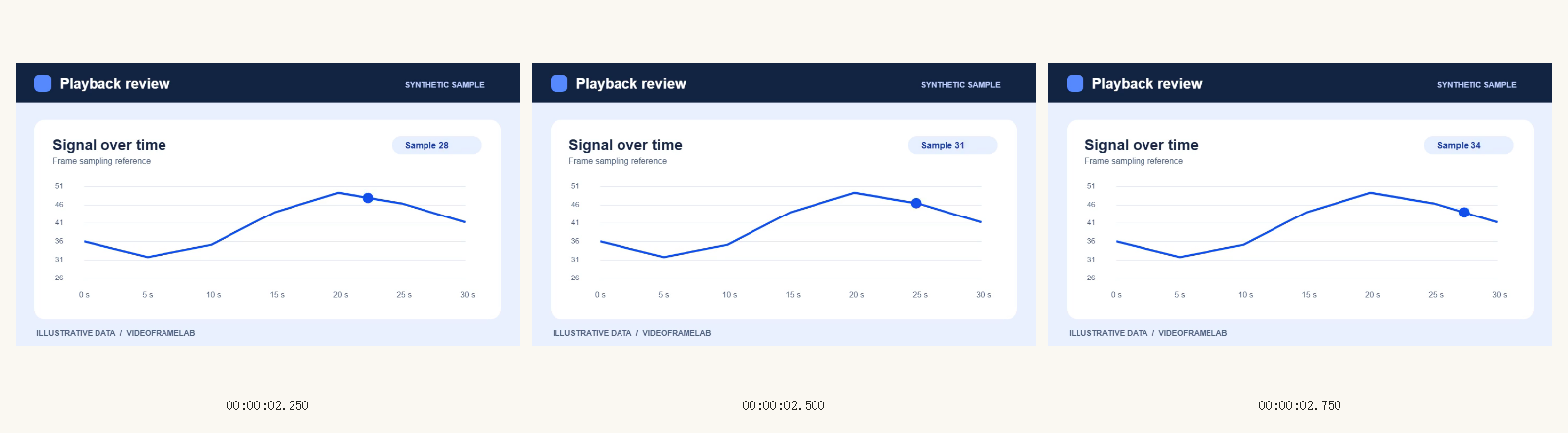
Page 2 of 2
The remaining three frames continue on the next image page.
How to use this tool
Capture frames from your video
Choose a range and capture the moments you want to compare.
Arrange the grid
Contact Sheet opens after capture. Use all or selected frames, then set columns, thumbnail size and spacing.
Preview and download
Preview a page, then save it as PNG or JPG. Use Download sheets ZIP for all pages.
What to know before exporting
- Fit and order
- Images fit inside cells without cropping. Reorder the frame library before export to change the grid order.
- Rows and pagination
- Columns, thumbnail height and spacing determine how many rows fit on a page. Larger sets continue on additional pages.
Frequently asked questions
What do time labels show?
They show the saved requested sampling times. Switch them off when you want a clean image grid.
Which output should I choose for printing or notes?
Contact Sheet exports image pages. Open PDF Storyboard when you need a printable document or notes beside frames.