

Example output
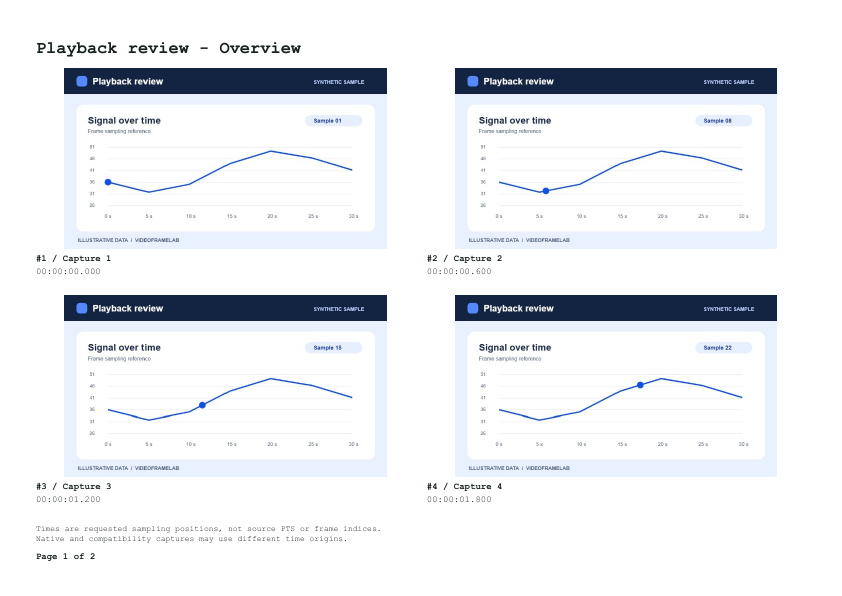
Overview storyboard
Rendered page 1 of 2. A4 landscape, four frames per page, from our synthetic playback review clip.
Download the Overview PDFHow these examples were made
These outputs were generated with VideoFrameLab in Chromium 156.0.8078.4 from synthetic videos. Captions identify the requested time, dimensions or export settings. The linked files are the actual exports. Results can differ with the scene, codec and browser.
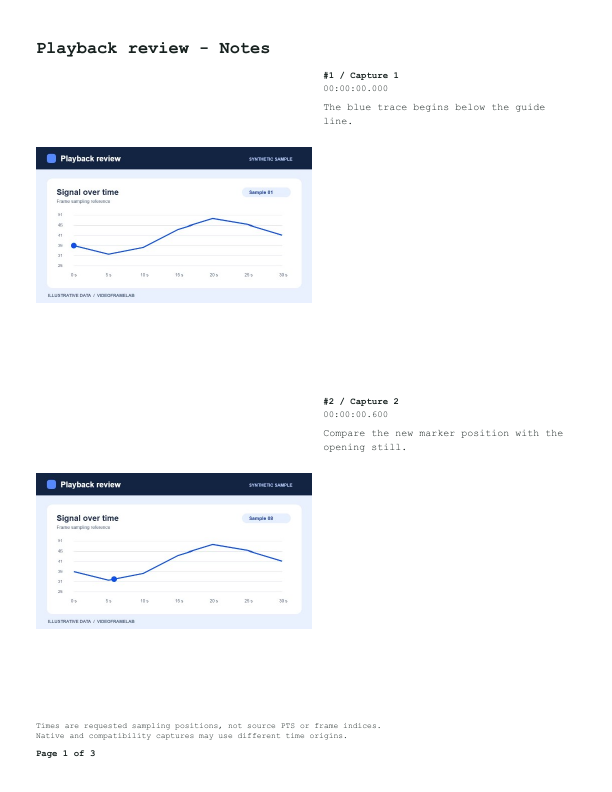
Notes storyboard
Rendered page 1 of 3. Letter portrait with example notes attached to frames from the same clip.
Download the Notes PDFHow to use this tool
Capture and order the stills
Open your video, sample the moments and arrange the frame library in story order.
Choose a template
PDF Storyboard opens after capture. Pick Overview for a compact grid or Notes for comments beside the frames.
Set up the page
Choose A4 or Letter, portrait or landscape, and margins. Check the preview, then download the PDF.
What to know before exporting
- Overview and Notes
- Overview shows several frames at a glance. Notes places your comments beside the associated frames, even after reordering.
- Pagination and selectable text
- The document adds pages as needed. Titles, time labels and typed notes are selectable text in the PDF.
Frequently asked questions
Which characters can I type in the title and notes?
Use Western Latin text. The exporter flags unsupported characters so you can replace them before downloading.
Where does the storyboard content come from?
It uses the frames you captured and any notes you type. Choose the moments and comments that tell the story you want to share.